Problem
Recently I was working on a Lync 2013 deployment, where trusted application servers (used for Remote Call Control with an NEC PBX) needed to be moved from 2010 to 2013. This work was carried out by an external contractor, who removed the trusted application servers from the Lync Topology, published, and then re-added them to the 2013 pool. I can’t be sure exactly what steps were followed, however shortly after it was discovered that all Lync Front End services across all Front End servers would not start:
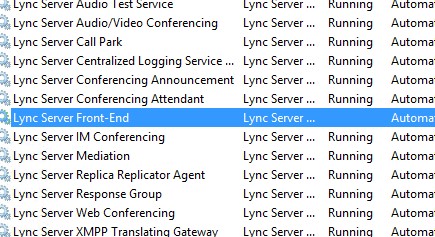
Trying to manually start the services would result in the following error:

Checking the Event logs, I could see the following errors:


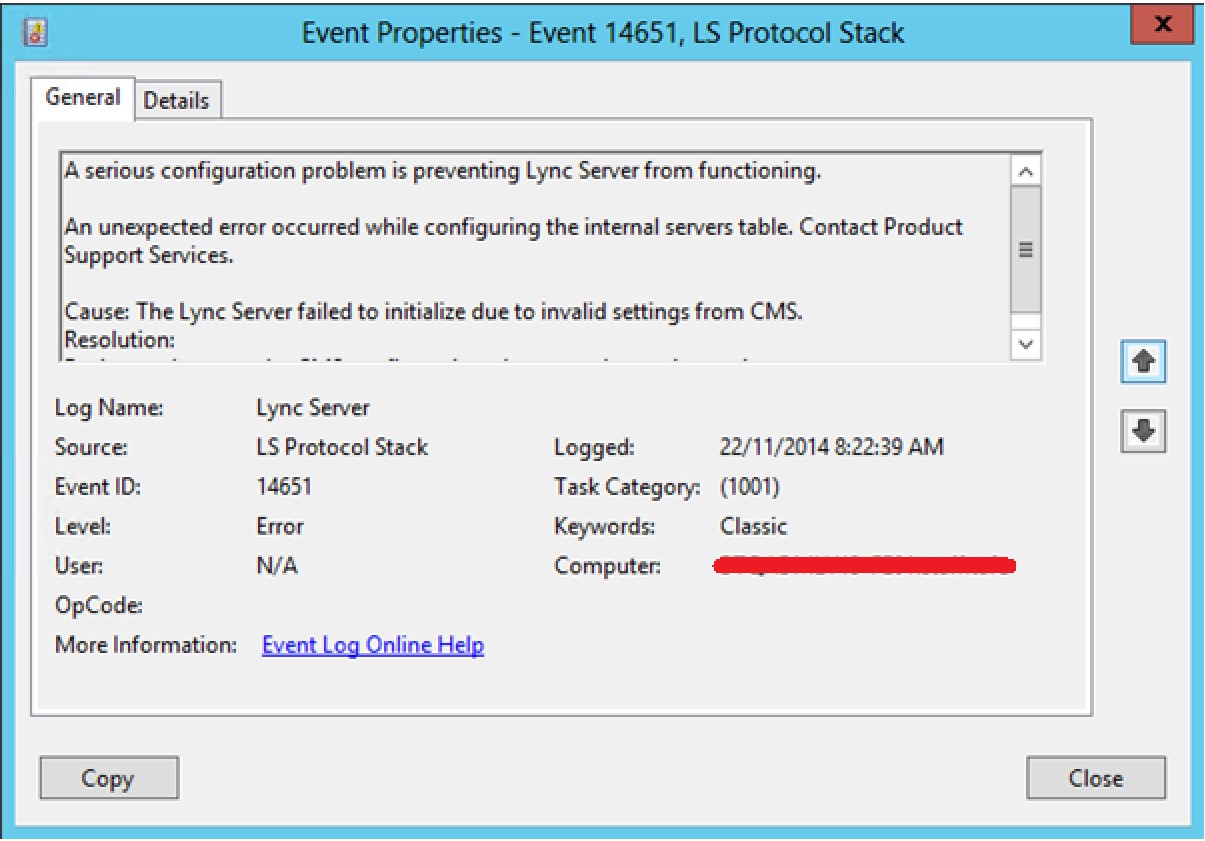
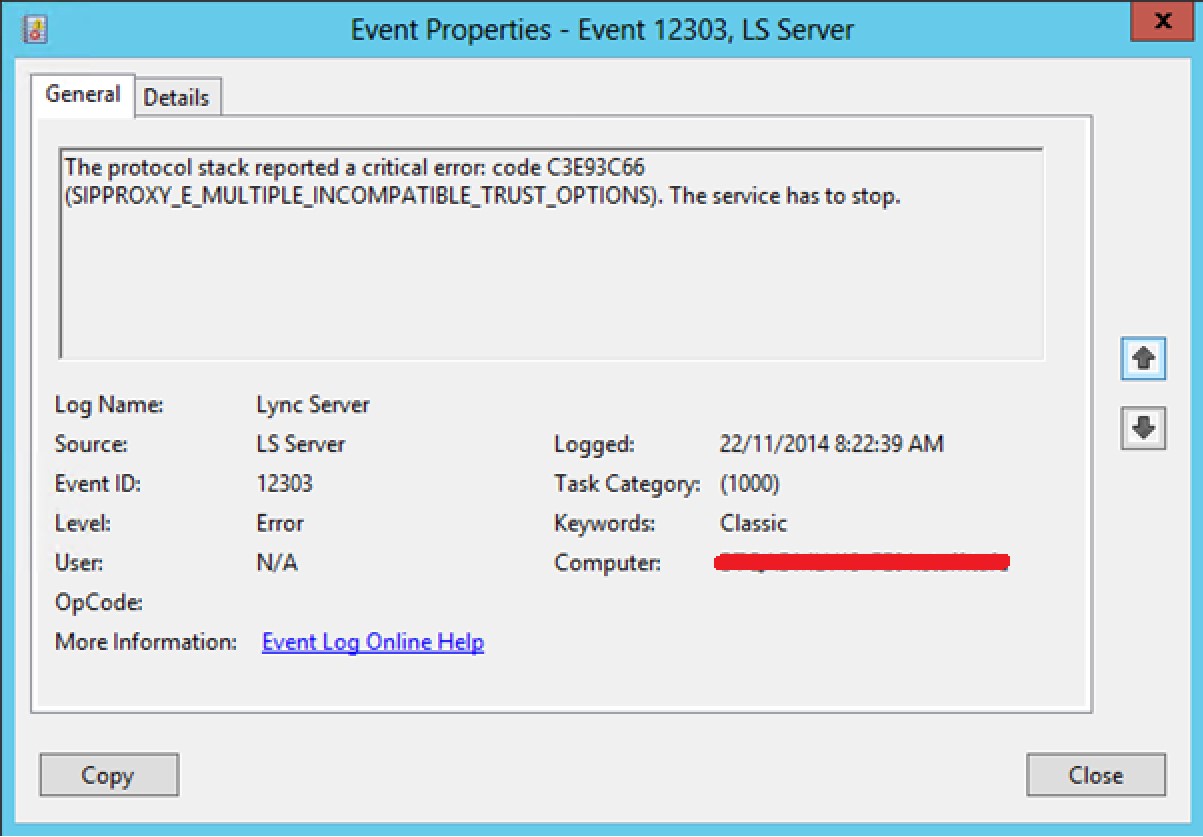
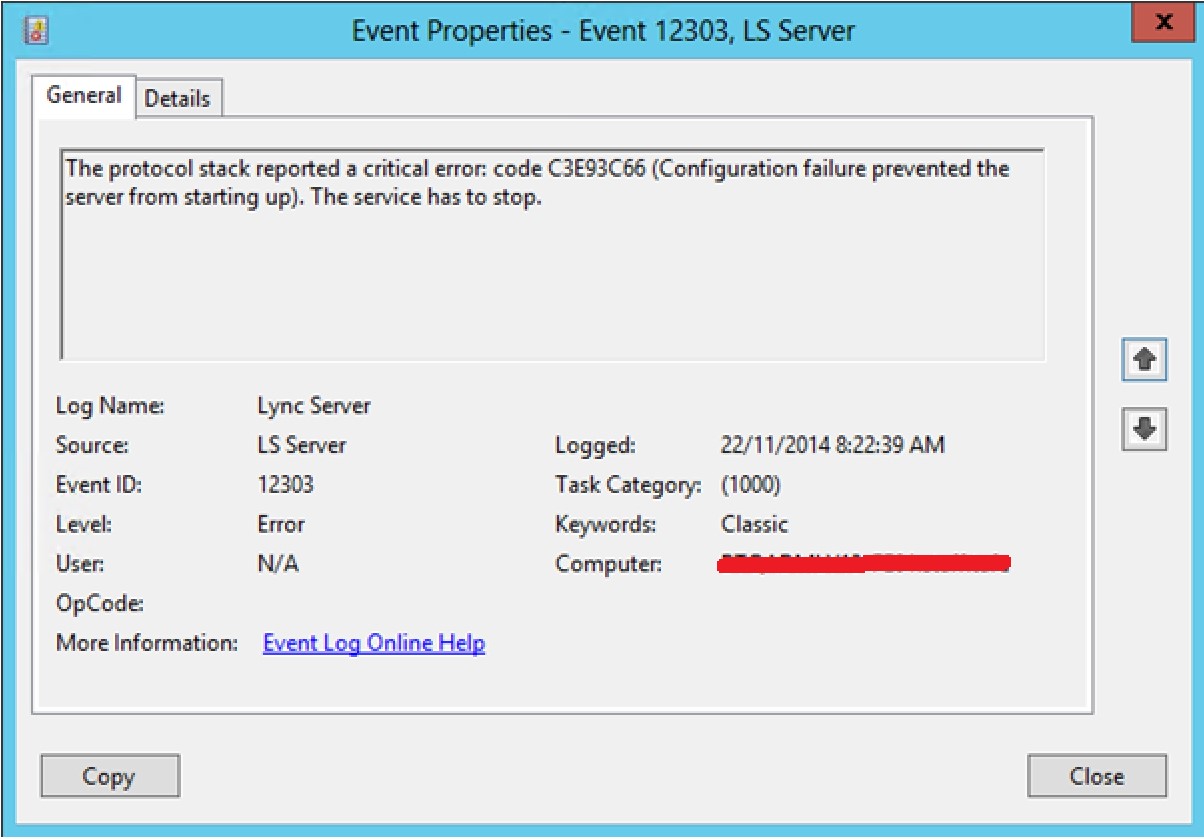
Again, I’m not sure how this occurred, but it would seem that CMS lost IP address configuration for the Front End servers.
Resolution
To fix the issue, I manually added the Front End server IP addresses to Topology Builder. To do this:
- Open Topology Builder,
- Right click on each Front End server in your pool, and select Edit Properties…
- Instead of using all configured IP Addresses, manually add the server’s IP address
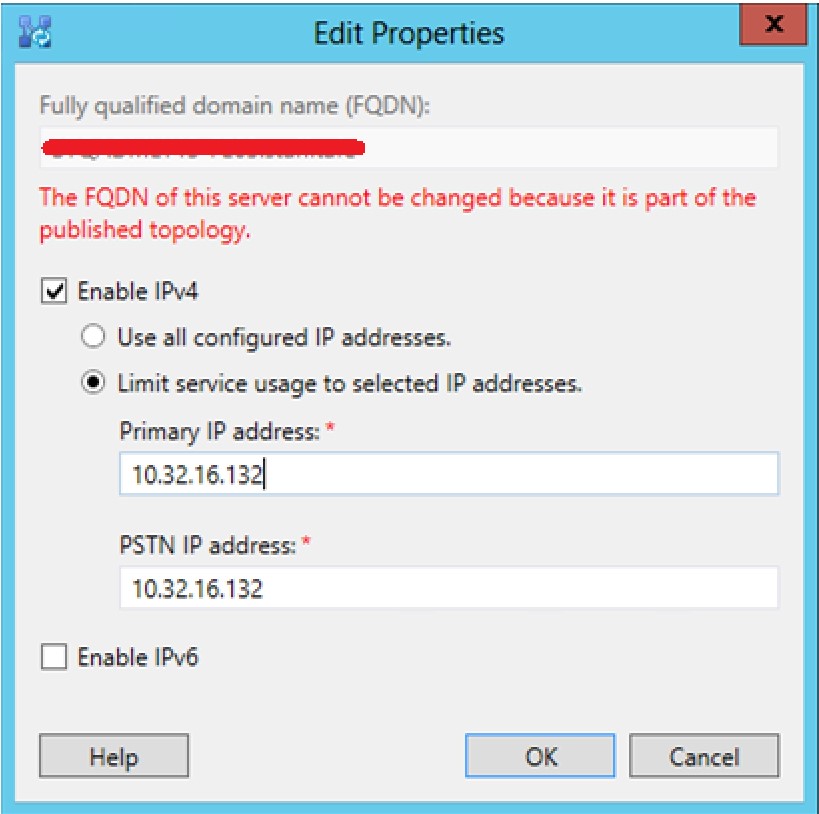
- Publish the topology
Once replicated, I could once again start Lync Front End services.
Happy Lyn… Skyping!
Damien Margaritis


 dmunified
Leave a reply to jarofrant Cancel reply